Your webcam sees a three-foot square of your home, and somehow that tiny rectangle has become the most-judged corner of your house. Colleagues do not see the freshly painted kitchen or the sofa you finally got right; they see the wall behind your desk, lit badly, and draw silent conclusions. The fix is not a bigger room or a fancier desk. A small home office decor setup that looks good on video calls is built backwards: you design the square the camera sees first, then fit your comfort around it.
Start with a test you can do right now. Open your video app, turn on your camera preview, and study it like a stranger would. Note the background, the light on your face, and anything distracting near your shoulders. Those three things — background, light, and clutter — decide how you read on screen. The rest of this guide fixes each of them, one small change at a time, with ideas that work in a spare corner, a bedroom alcove, or a studio flat where your “office” is six feet of wall.
The camera frame is unforgiving in a specific way: it flattens depth, exaggerates color shifts, and turns minor mess into the main event. Decorating for it is a slightly different skill than decorating for yourself, but the two overlap more than you would think. A backdrop that reads well on video is almost always a backdrop that feels good to sit in front of all day.
Face Your Desk Toward the Light
 Save
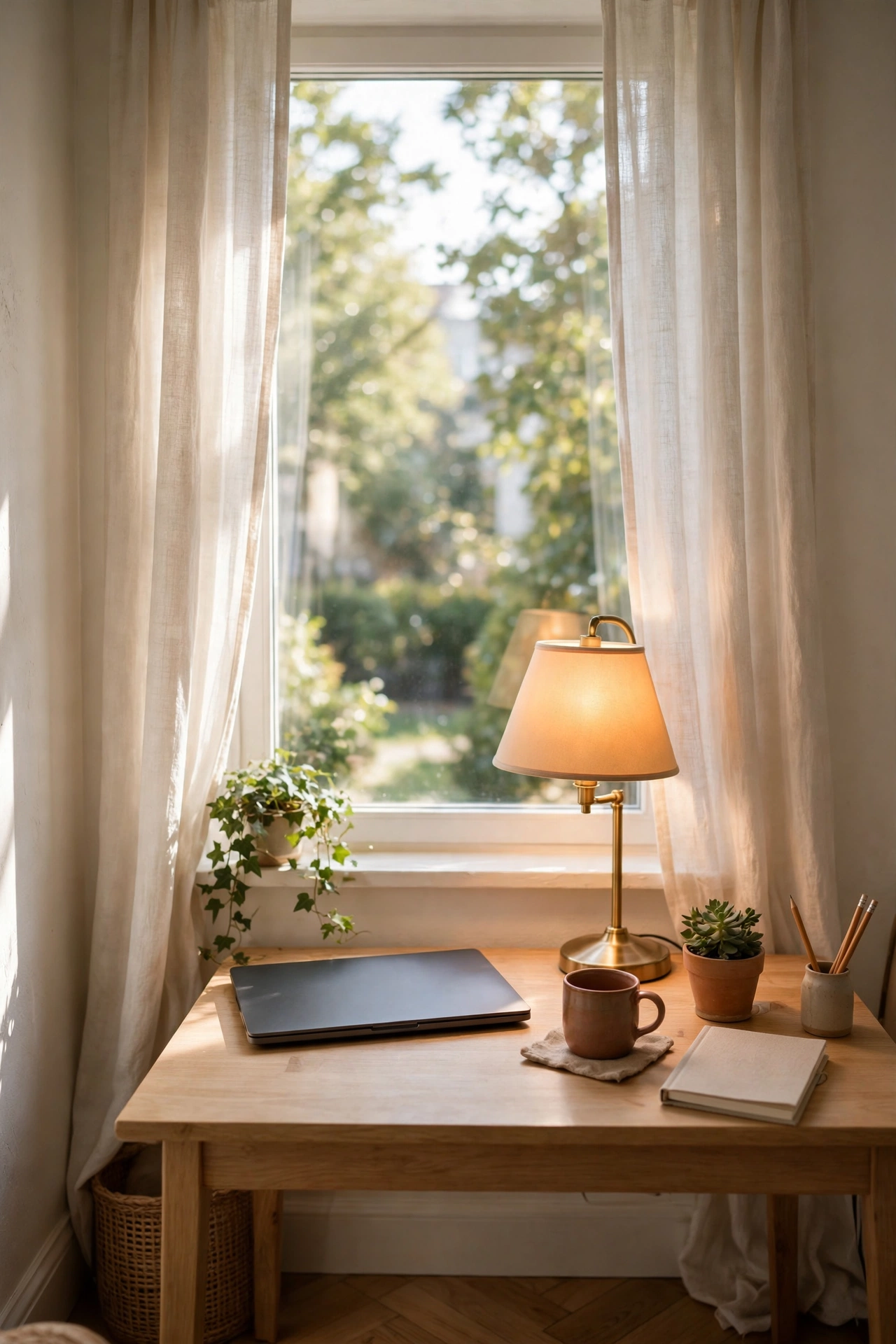
SaveThe single biggest upgrade to how you look on calls is free, and it is a seating choice, not a purchase. Sit facing your best natural light source. A window in front of you or slightly to one side washes your face in soft, even light; a window behind you turns you into a silhouette and sends your webcam’s exposure into a panic. If your desk currently backs onto the window, the awkward room layout you avoided is exactly the layout the camera wants.
Watch how webcams handle light: they expose for the brightest part of the frame. A bright window behind you means your face goes dark while the window glows. Turning around gives the sensor one even scene to work with, which is why a plain wall with good front light beats a styled backdrop in bad light every time. Light first, decor second.
When natural light is limited, one warm-white desk lamp aimed at your face from just off-camera does the heavy lifting. Keep it at or slightly above eye level and to the side you favor; light from directly below creates shadows that read as tiredness. A shade in cream, linen, or frosted glass softens the beam, and a bulb around 2700–3000K keeps your skin tone natural instead of that grey office blue.
Try this: take the same call-screenshot test at 9 AM, midday, and 4 PM. Daylight changes fast, and a backdrop that looks perfect in the morning can go flat by the afternoon. One sheer curtain on a sunny window evens out those swings better than any gadget.
Budget swap: a white bedsheet or shower curtain clipped across a too-bright window is a photographer’s diffuser for the price of a coffee. Nobody on the call will know.
What Shows Up Behind You Matters More Than What You See
 Save
SaveYou spend eight hours looking at your screen; your colleagues spend eight minutes looking at your background. Decorating that wall is the highest-leverage styling you can do in a small home office. The trick is depth: the camera compresses everything, so a completely flat, bare wall reads as unfinished, while one layer of interest at a sensible distance looks deliberate and calm.
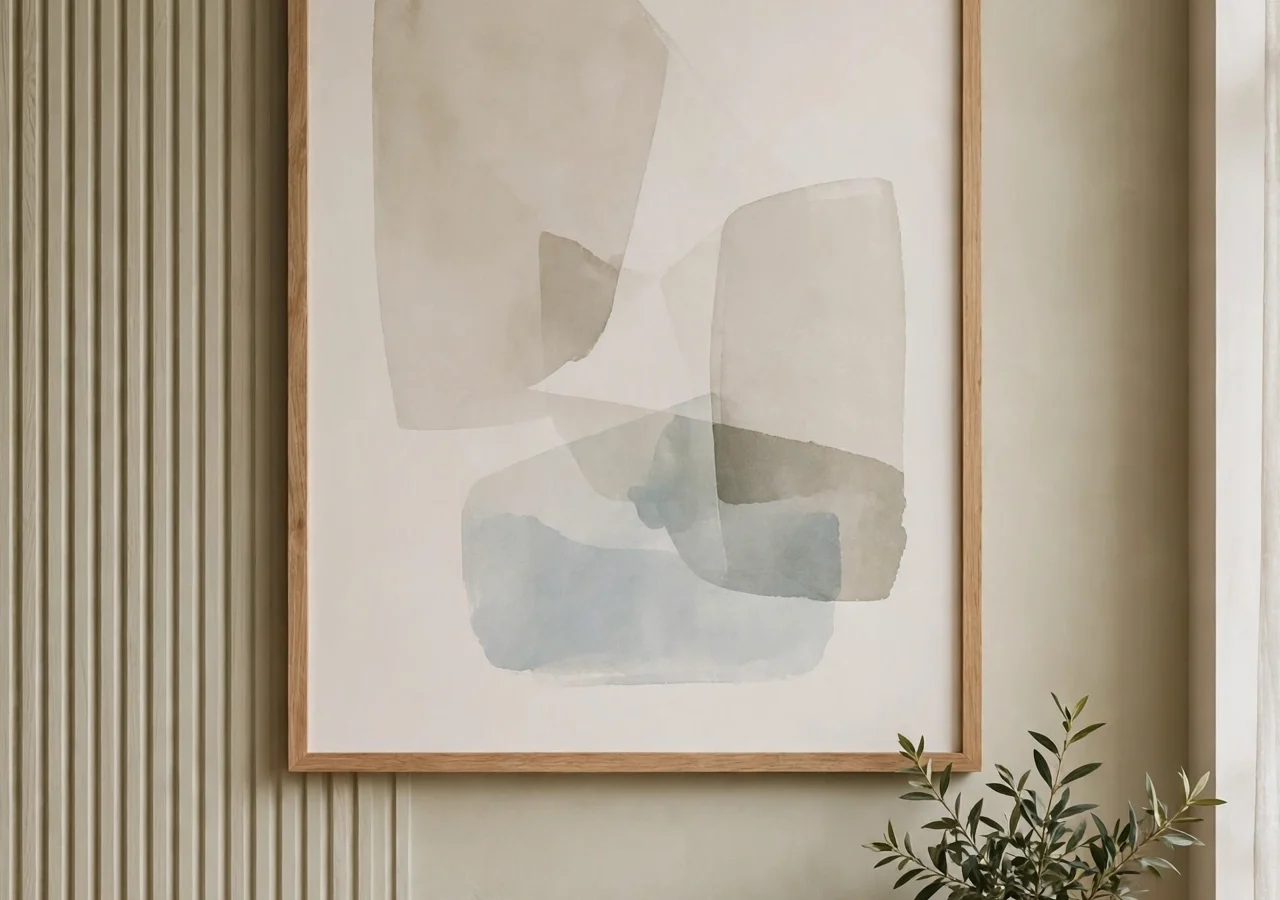
Aim for one anchor piece and two supporting details. The anchor might be a large framed print, a wall shelf with a few objects, or a textile hung on a simple dowel. The supporting details are smaller: a plant at the edge of the frame, a stack of books, a candle on a side table. Three things total. Beyond that, the frame starts to feel busy, and busy reads as cluttered on a 15-inch screen.
Keep the anchor centered behind your usual sitting position, not behind where you think the camera points. Webcam lenses have a wide field of view; objects you place “off to the side” often land directly over your shoulder. Sit in your chair, have someone snap a phone photo from where your laptop sits, and adjust based on what you actually see.
Distance matters too. If you can push your desk even 60–80 cm away from the back wall, the slight blur the camera creates makes the background feel layered instead of flat. In a tiny corner this is not always possible, which is when texture — linen, rattan, grainy wood — does the work that distance cannot.
The Bookshelf Backdrop That Looks Styled, Not Stuffed
 Save
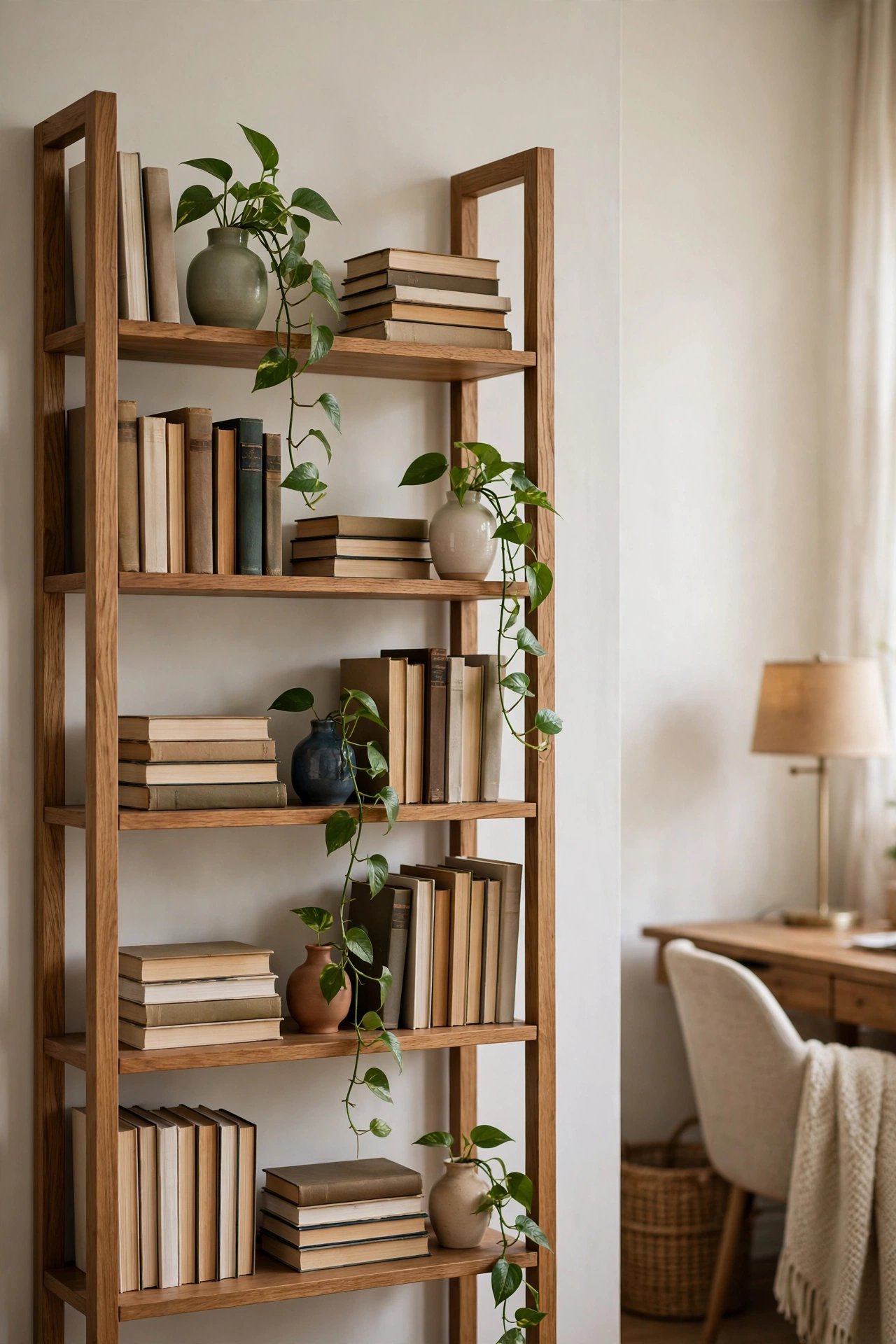
SaveA bookshelf behind the desk is the classic video-call backdrop, and the difference between “curated library” and “storage unit” comes down to negative space. Leave a third of each shelf empty. That breathing room is what makes the filled sections look intentional rather than crammed, and it photographs beautifully.
Mix books both upright and stacked horizontally, turning some spines inward for color relief if your collection runs loud. Then add one object per shelf: a small vase, a framed photo, a brass bowl, a plant trailing over the edge. Rotate the same few objects seasonally and the backdrop stays fresh without new purchases. A shelf styled for the camera is a shelf you never have to restyle again.
If you do not own a bookshelf, a single floating shelf with six to eight objects does the same job in a fraction of the space. Mount it at or slightly above head height in the frame so it anchors the shot. The same rules apply: group in odd numbers, leave gaps, and keep everything you do not want seen — chargers, bills, notebooks — off the shelf entirely.
Styling tip: put the brightest or tallest item at the edge of the camera frame, not the center. It draws the eye outward and keeps attention on your face, where it belongs.
For rooms that need more than a shelf, the gaming-setups world has refined the compact-corner formula down to an art; several of the lighting and layout moves in our 25 gaming room setups that actually look stylish translate directly to a small office, especially around cable control and LED-free ambient light.
Choose Colours That Stay Calm on Camera
 Save
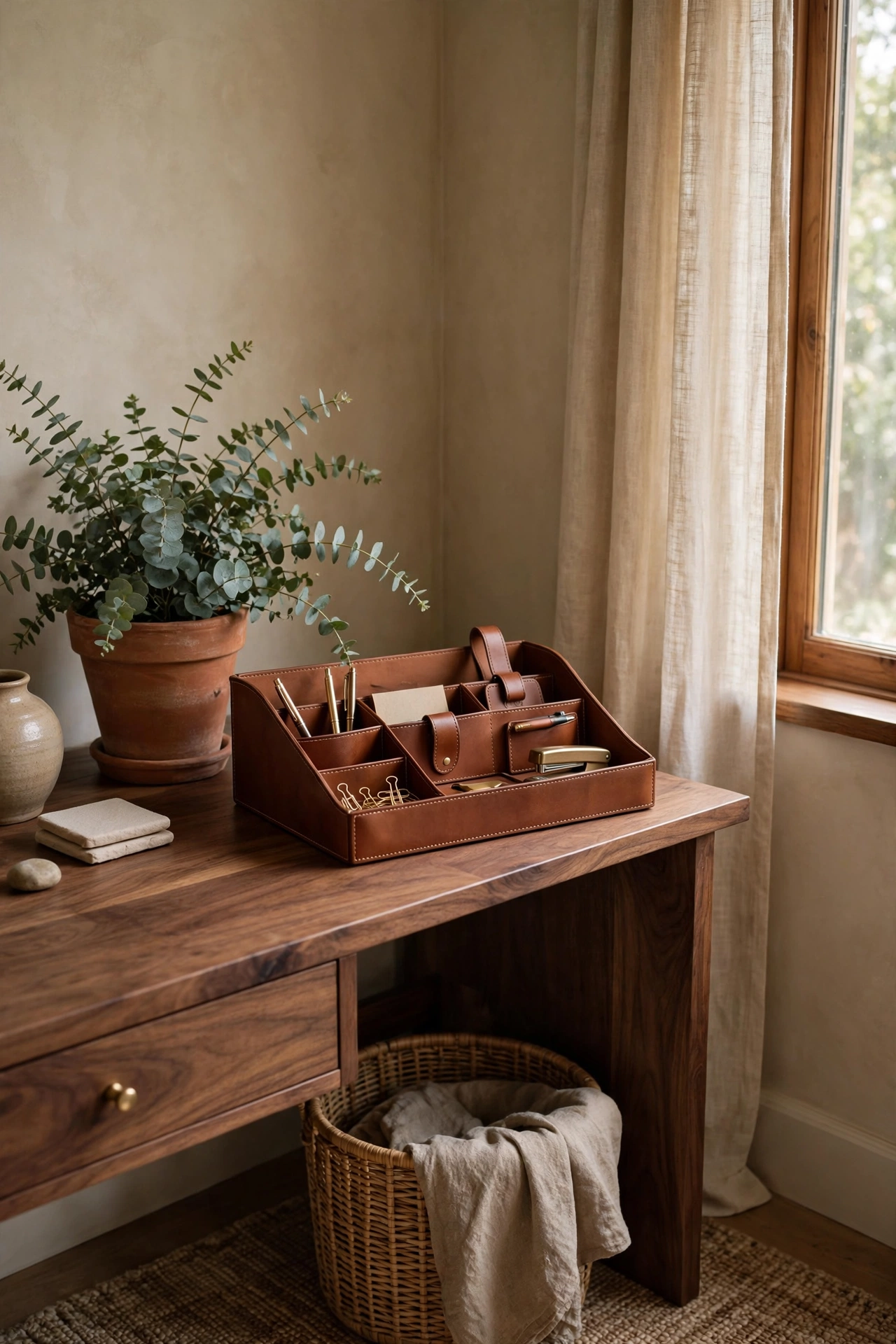
SaveWebcams lie about color. They push saturation up, crush shadows, and turn neon or high-contrast patterns into shimmering mush. The palette that looks sharpest on video is a muted, mid-tone range: warm whites, soft greys, sage, clay, dusty blue. These sit still under compression and keep you, the focal point, from fighting your own wall for attention.
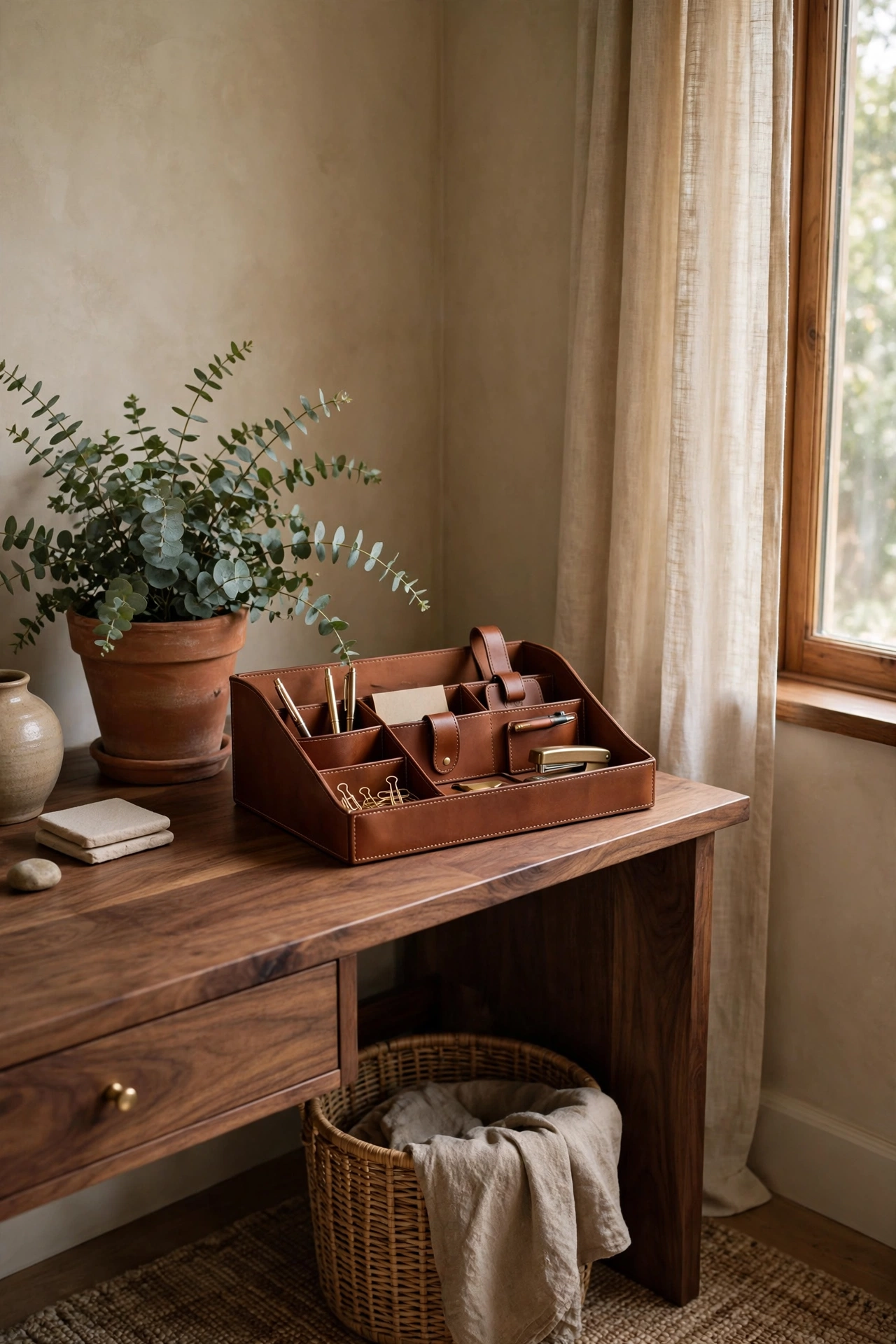
This is also where your backdrop can borrow warmth from the rest of your home. The earthy range we explored in our 12 chocolate brown and terracotta decor ideas — cognac leather, terracotta pots, walnut wood — renders gorgeously on camera: rich enough to look expensive, calm enough to stay in the background. A single terracotta planter or a cognac desk organizer behind you does more visual work than a whole wall of bright prints.
One accent is enough. If your wall color is neutral, let one object carry the color: a mustard cushion, a rust throw, a deep-green plant. Two accents start competing; three turn the frame into a mood board. And avoid pure white walls directly behind your head if your camera is mediocre: they blow out and halo. A warm off-white or a textured cream is kinder to every webcam ever made.
Designer note: if you love bold color elsewhere in your home, this is the one corner where restraint wins. Save the statement wall for the living room; the office corner earns its keep by flattering you.
Make a Small Desk Feel Bigger Than It Is
 Save
SaveSmall home offices are usually small desks in small rooms, and the camera notices clutter long before you do. The fix is containment: everything on the desk should live on something. A tray corrals pens and clips into one visual unit. A monitor riser lifts the screen and reclaims the footprint underneath for a keyboard or notebook. A desk organizer turns a sprawl into a skyline.
Work from the camera’s vantage point again. The two objects that read largest in frame are your monitor and whatever sits directly beside it. Keep those two neighbors simple: a small plant, a single framed photo, a candle you never light during calls. Move the paperwork stack, the mug collection, and the tangle of spare cables to a drawer, a shelf, or under the desk before your first meeting of the day. A two-minute desk reset is the cheapest video upgrade there is.
Scale helps too. A slim monitor arm frees the entire desk surface and straightens your sightline; arms cost less than a new desk and change the ergonomics overnight. If you work from a laptop, a stand plus an external keyboard puts your camera at eye level, which flatters every face and stops the dreaded up-the-nose angle.
Choose furniture with visible legs where possible. A desk you can see under looks lighter in the frame, and the floor showing beneath furniture makes a tight corner read a foot wider. Closed cube storage reads as a wall; an open-legged desk reads as air.
Tame the Cables Once and for All
 Save
SaveNothing ruins a polished video backdrop like a black spaghetti of cables crawling up the wall behind you. The camera loves cables: they are high-contrast, they move slightly, and they sit exactly where the eye wanders when you talk. Taming them is unglamorous work with an outsized payoff.
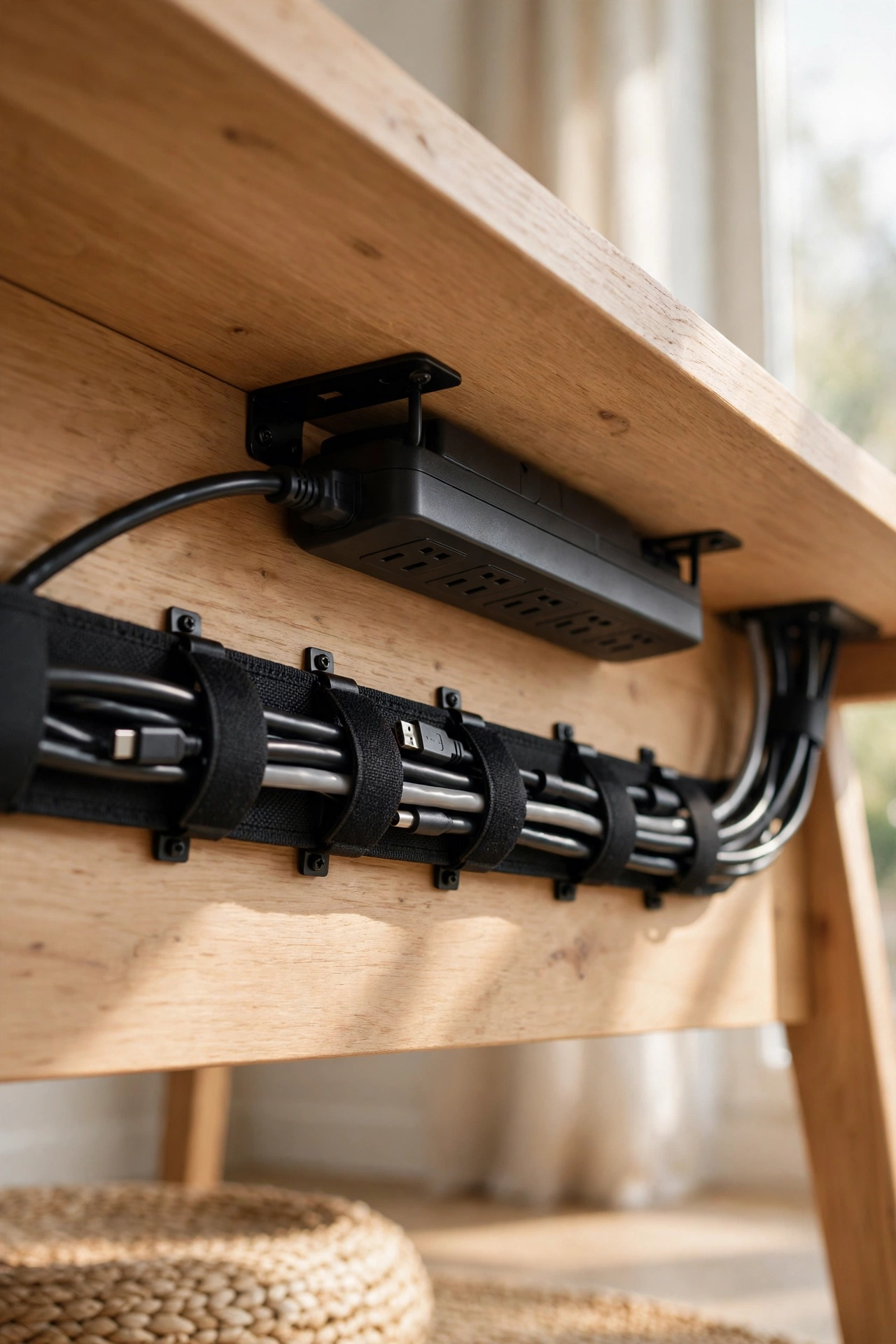
Start at the power strip. Mount it under the desk with adhesive hooks or a cable tray so nothing dangles to the floor. Bundle the runs with velcro ties — never zip ties, because you will change the setup — and route the whole bundle along the desk’s back edge. One sleeve or spiral wrap turns six cables into one clean line. Whatever plugs into the wall, hide the last half meter behind the desk leg or a slim floor channel.
The camera-facing side deserves its own pass. Kneel where your webcam would see: if you can spot a cable, the call can. Phone chargers, headset wires, and that spare HDMI all need a home off the desk surface. A small lidded box on the desk with a notch cut in the back hides a charging hub completely, and a clip under the desk edge keeps your headset cable from wandering into frame.
Budget swap: a cardboard box wrapped in linen-look fabric and a ten-pack of adhesive cable clips cost less than a takeaway dinner and erase the messiest corner of most home offices.
Add One Plant (Then Leave It Alone)
 Save
SaveA single healthy plant is the fastest way to make a video backdrop feel alive. It adds color, texture, and a shape the camera loves: soft, irregular, and nothing like a rectangle. You do not need a jungle. One plant, positioned where it will not be blocked by your head, outperforms five plants fighting for frame space.
Pick for your light, not your feed. A snake plant or ZZ plant survives the dim corner where your desk actually fits; a pothos trails beautifully off a shelf at the frame’s edge; a small olive or fiddle-leaf fig suits the lucky corner with real daylight. Low-maintenance plants stay looking good between your attention spans, which is the whole point.
Pots matter on camera more than you would expect. A plain terracotta, matte ceramic, or woven basket pot photographs cleanly; glossy plastic with a nursery tag still attached does not. Repot once, water on a schedule, and let the plant do its quiet work. Dead leaves in frame are worse than no plant at all, so set a weekly five-minute trim-and-check.
Try this: place the plant slightly forward of the back wall, off to one side. The camera’s shallow focus softens it just enough that it reads as atmosphere rather than clutter — the botanical equivalent of good lighting.
Soften the Room for Better Sound (and Better Looks)
 Save
SaveVideo calls are audio first: colleagues forgive a plain wall, but they notice echo and keyboard clatter. The decor that fixes sound is the same decor that makes a small office feel cosy, so this is a rare two-for-one. Hard, empty rooms bounce sound; soft, layered rooms absorb it.
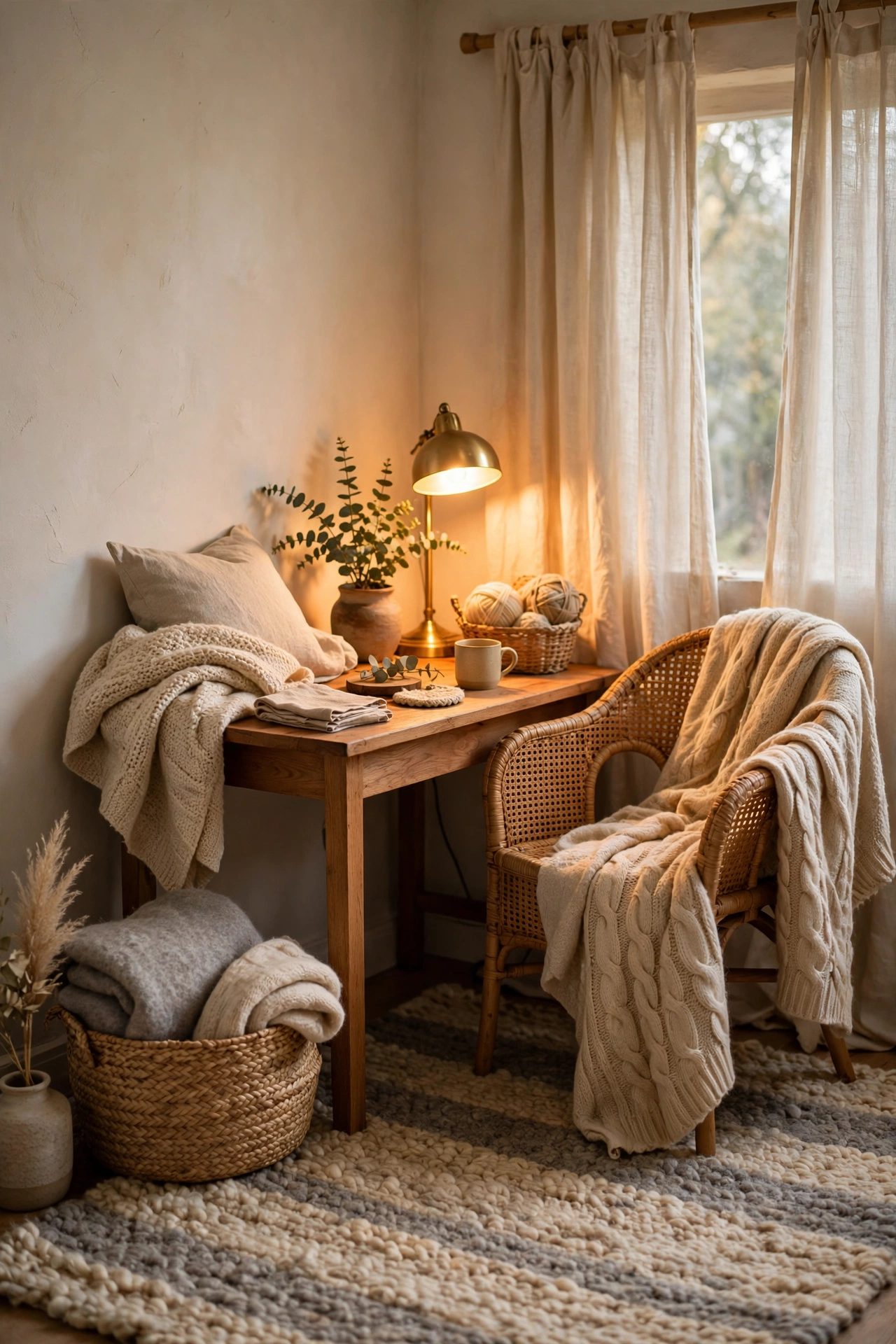
A rug under the desk or chair is the biggest single absorber in a small room, and it grounds the whole setup visually. Curtains — even on a window the camera never sees — eat reflections that cheap microphones otherwise pick up. An upholstered chair, a fabric pinboard, or a few soft furnishings on nearby surfaces all take the edge off the hollow-box sound of a bare spare room.
Think of it as finishing the room the way you would for comfort anyway. The warm minimalist living room ideas we published for fall lean on exactly this layering — boucle, wool, linen — and every one of those textiles doubles as acoustic treatment. A throw over the chair, a cushion on the seat, a curtain panel at the side of the frame: none of it looks like “sound treatment,” all of it works like it.
Designer note: clap once in your office with the door closed. If the clap rings, add softness; if it lands flat, your room already sounds like a studio. Trust your ears before your wallet.
| Problem on calls | What the camera hears/sees | Fastest fix |
|---|---|---|
| Echoey, hollow voice | Bare walls and hard floors | Rug + curtains |
| Flat, dark face | Window behind the desk | Turn the desk to face the light |
| Busy, distracting background | Too many small objects | One anchor + two details, rest hidden |
| Washed-out or grey skin | Overhead cool-white bulb | Warm desk lamp at face level, off to the side |
| Cable spaghetti in frame | Loose runs up the wall | Under-desk tray + one cable sleeve |
Bringing It All Together
A small home office that looks good on video calls is not a renovation project. It is a handful of deliberate choices: face the light, style the three feet of wall the camera sees, pick colors that stay calm under compression, contain the clutter, hide the cables, add one living thing, and soften the surfaces. Do them in that order and each step builds on the last.
The nicest part is that nothing here is fake. No virtual backgrounds, no ring-light harshness, no room you have to tidy before every meeting. The corner you build with this guide looks good on camera because it genuinely looks good — and once the camera test passes, you get to enjoy it for the other eight hours of the day too. If autumn is your styling season, our cosy home checklist pairs beautifully with these office updates: small comforts, layered in the same warm palette, make the work corner feel like part of the home rather than an outpost in it.
Frequently Asked Questions
What is the best wall color behind a desk for video calls?
Warm neutrals photograph best: warm white, soft greige, sage, or clay tones stay stable under webcam compression. Avoid pure white (it blows out and halos around your head) and saturated brights (the camera pushes their saturation into shimmer). If repainting is not an option, a large neutral textile or print on the wall behind you does the same job.
How do I hide a messy room on video calls without a virtual background?
Design for the camera frame, not the whole room. Position your desk so the camera sees only one styled wall, push clutter outside the frame’s edges, and use a room divider or curtain panel behind you if the room has no clean wall. Virtual backgrounds glitch and edge-flicker; a real, simple backdrop always looks better.
What lighting setup makes me look best on Zoom?
Face your best window; add one warm-white lamp (2700–3000K) at face level, slightly to one side, with a diffused shade. Turn off or dim the cool overhead light above you, which casts shadows under your eyes. Test at the actual time of your calls, because daylight shifts through the day.
Can a small home office look professional on camera?
Yes, and small often photographs better than large: the frame is tight, so every styled detail counts double. One anchor piece, good light, hidden cables, and a clear desk read as professional at any square footage. Distance helps, so pull the desk even a little away from the back wall when you can.
Do plants actually help how a home office looks on video?
They do. A single healthy plant adds soft color and organic shape that contrast nicely with screens and rectangles, and the camera’s slight background blur makes it read as atmosphere rather than clutter. Choose a low-maintenance variety matched to your light, and keep dead leaves trimmed — one thriving plant beats five struggling ones.